Personal
For one developer
$29.99USD
5 Macs
Enough room for your desk Mac, laptop, test machine, and replacements.
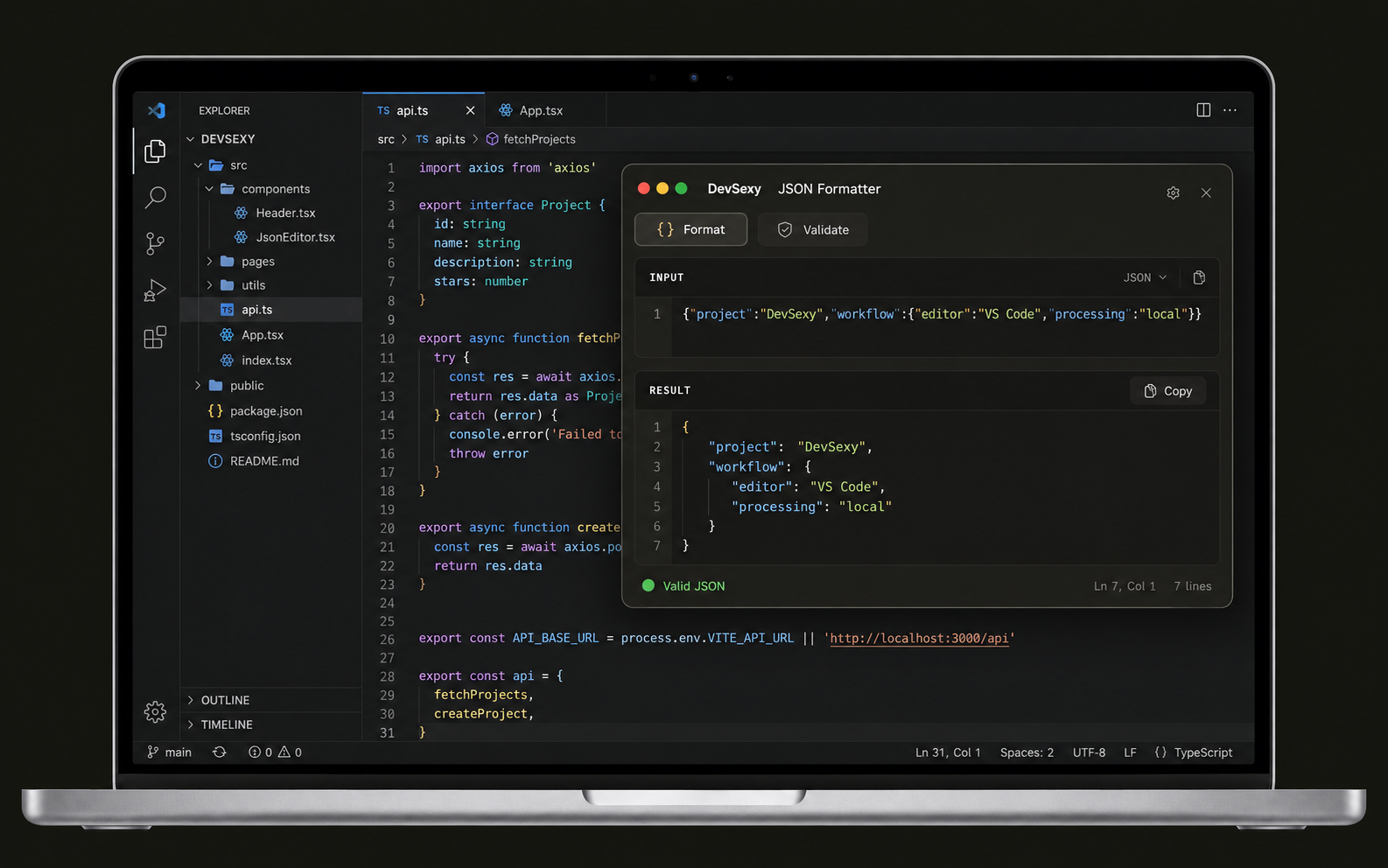
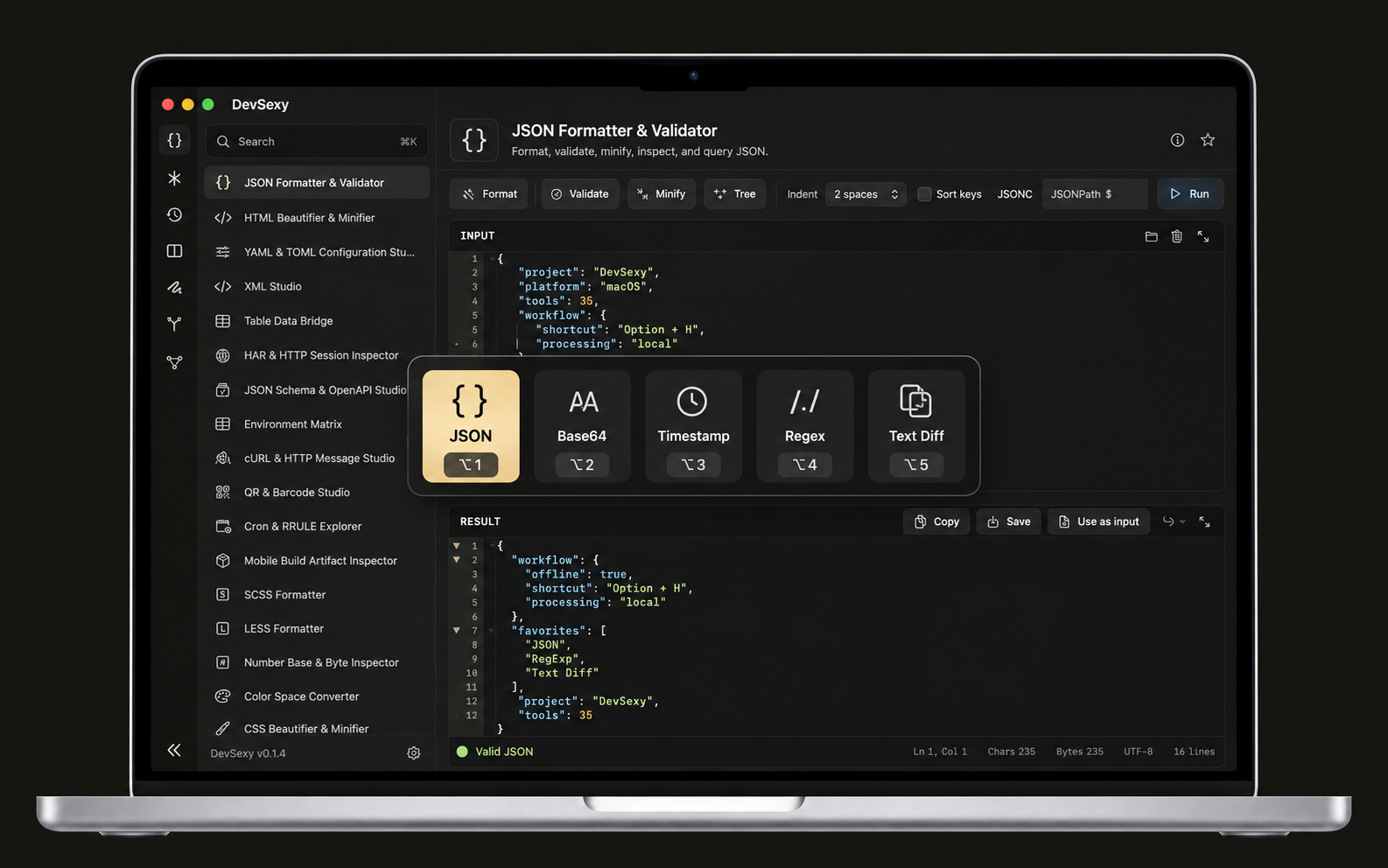
Hold Option. Jump straight to your tools. 35 developer tools, processed locally and ready offline.
15 days free · no card required · macOS 15+
Pay once. Use the current version for life.
For one developer
5 Macs
Enough room for your desk Mac, laptop, test machine, and replacements.
For a small team
20 Macs
A shared purchase for a growing engineering or product team.
For the whole company
Unlimited device activations
No activation ceiling for larger companies, labs, or classrooms.
No monthly bill. No automatic renewal. License key delivered after payment
Download and try → Paste your license key → Deactivate before switching Macs
Install the Mac app and every tool is available for 15 days. No account or payment card is required.
After payment, copy the key into DevSexy. The app verifies the product and registers this Mac.
Deactivate an old Mac before replacing it. The freed activation becomes available to your license again.
The five free tools remain available. Paid tools show the license screen until you activate a Personal, Team, or Organization license.
Yes. Each tier is a one-time purchase for lifetime access to the purchased version of DevSexy for Mac. There is no recurring charge.
Yes. Deactivate DevSexy on the old Mac first, then activate the new Mac with the same key. Personal supports 5 active devices, Team 20, and Organization has no device limit.
Yes. All 35 tools on devsexy.com remain free. The paid license is for the native Mac workflow, offline access, and app integrations.
The checkout handles payment, applicable tax, receipt, and license delivery, and the applicable policies are shown before you pay.
Still have a question? We are here to help. Support